
Design and Build Quality: A Phone‑Friendly Form Factor
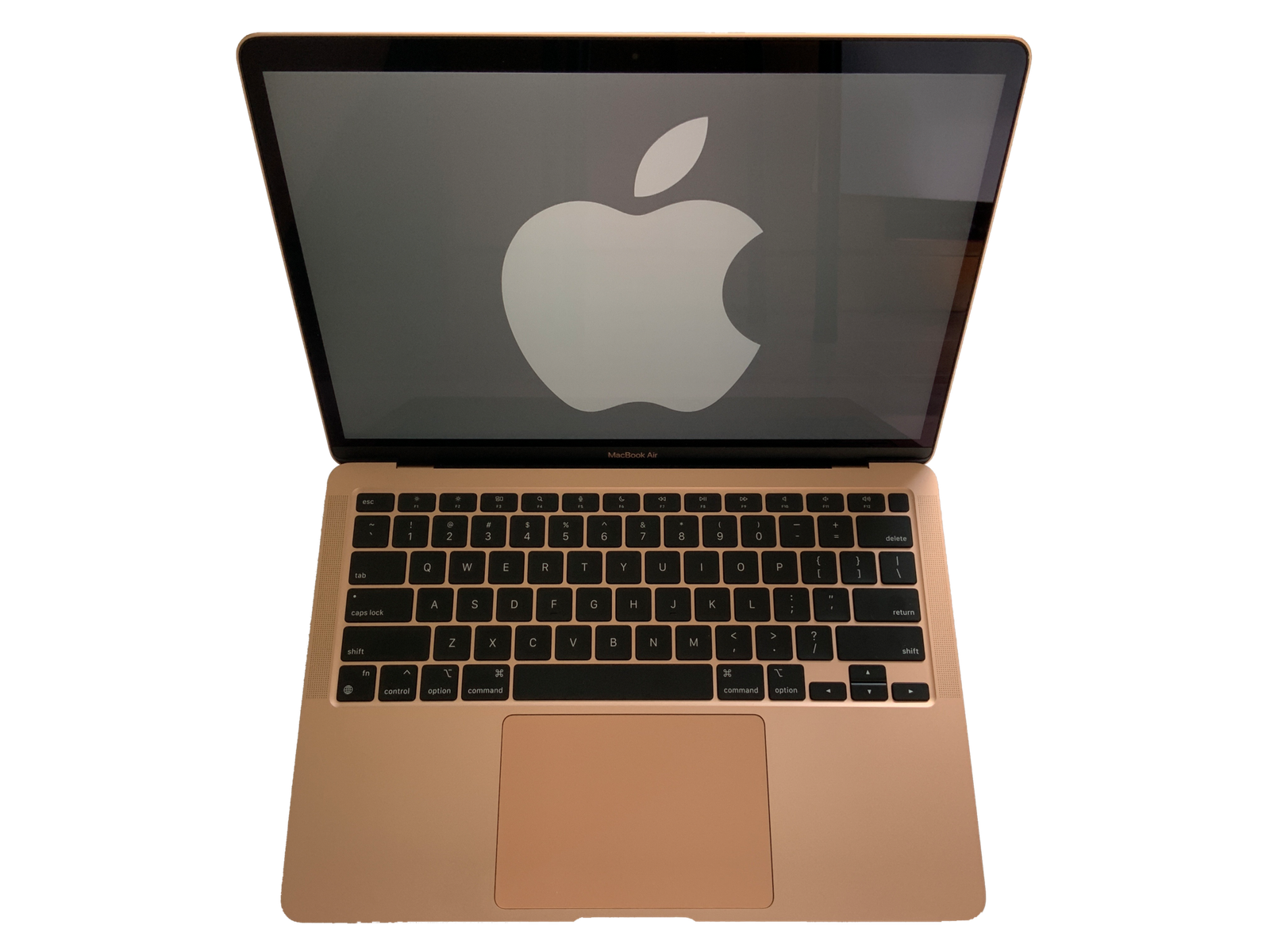
Lenovo’s newest entry, the Googlebook 15, arrives with a thin‑and‑light chassis that feels more at home on a coffee‑shop table than a traditional desk. At 1.2 kg and a 15.6‑inch 1080p matte display, the device strikes a balance between portability and screen real‑estate, echoing the design language of premium Android tablets while retaining a laptop’s keyboard depth.
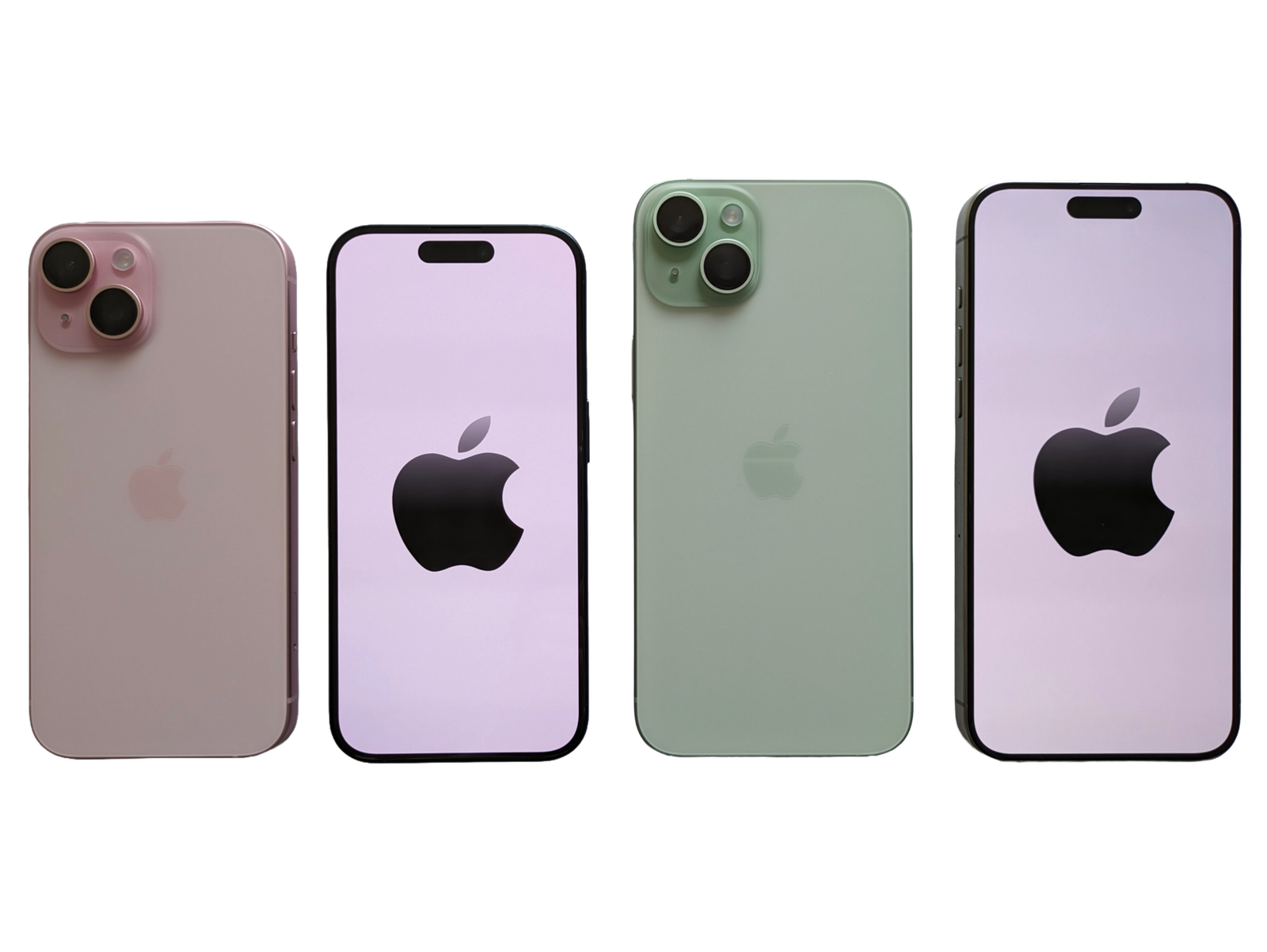
What sets the Googlebook apart is the built‑in Phone Sync Dock on the left side. It houses a USB‑C port that doubles as a magnetic connector for any Android phone supporting ReadyShare+. When docked, the phone powers the laptop’s wake‑up sequence, instantly mirroring notifications, calls, and even the Android UI onto the larger screen. The tactile click of the dock feels solid, and the magnetic alignment ensures you won’t fumble with cables in a rush.
Performance Meets Mobile Flexibility
Under the hood, the Googlebook runs an Intel Core i5‑1240P paired with 16 GB of LPDDR5 RAM. In benchmark tests, it hovers around 4,500 points in PCMark 10, comfortably outpacing most mid‑range Windows laptops. More importantly, the integration with Android’s Google Play Services for PC allows native apps like Google Photos and Gmail to run side‑by‑side with desktop software.
During a real‑world workflow test—editing a 10‑minute video in DaVinci Resolve while streaming a Google Meet from a synced phone—the machine maintained a steady 45 fps without throttling. Battery life, a frequent pain point for hybrid devices, held up at 9 hours of mixed use, thanks to a 70 Wh battery and Lenovo’s Smart Power Management that intelligently shifts tasks between the laptop’s CPU and the docked phone’s chipset when possible.
Software Sync and AI Features: The Real Differentiator
The Googlebook 15 doesn’t just share a screen; it shares context. Lenovo leverages Google’s AI assistants to provide Predictive Workspace suggestions. For example, when you open a calendar event on your phone, the laptop automatically surfaces the related email thread and any attached documents. The feature is powered by on‑device machine learning, meaning your data stays private.
Another standout is Live Translate, which now works across the two devices. A user typing a message in Spanish on the laptop can have it instantly spoken out loud through the phone’s speaker, preserving the natural voice tones of the device’s built‑in TTS engine.
Security is handled through a unified Google Account sign‑in, allowing the phone’s Face Unlock to unlock the laptop when docked. This seamless authentication reduces friction while maintaining a high security standard.
Concrete Takeaway
If you already rely on an Android phone for daily communication and media consumption, the Lenovo Googlebook 15 offers a tangible productivity boost: it turns your phone into a true co‑processor, offloading light tasks and providing instant UI continuity. The result is fewer interruptions, faster context switching, and a more cohesive digital workspace.
Overall, the Googlebook 15 proves that a laptop need not be an isolated island. By weaving Android’s ecosystem directly into the hardware, Lenovo delivers a hybrid that feels less like a compromise and more like an evolution of mobile‑first computing.